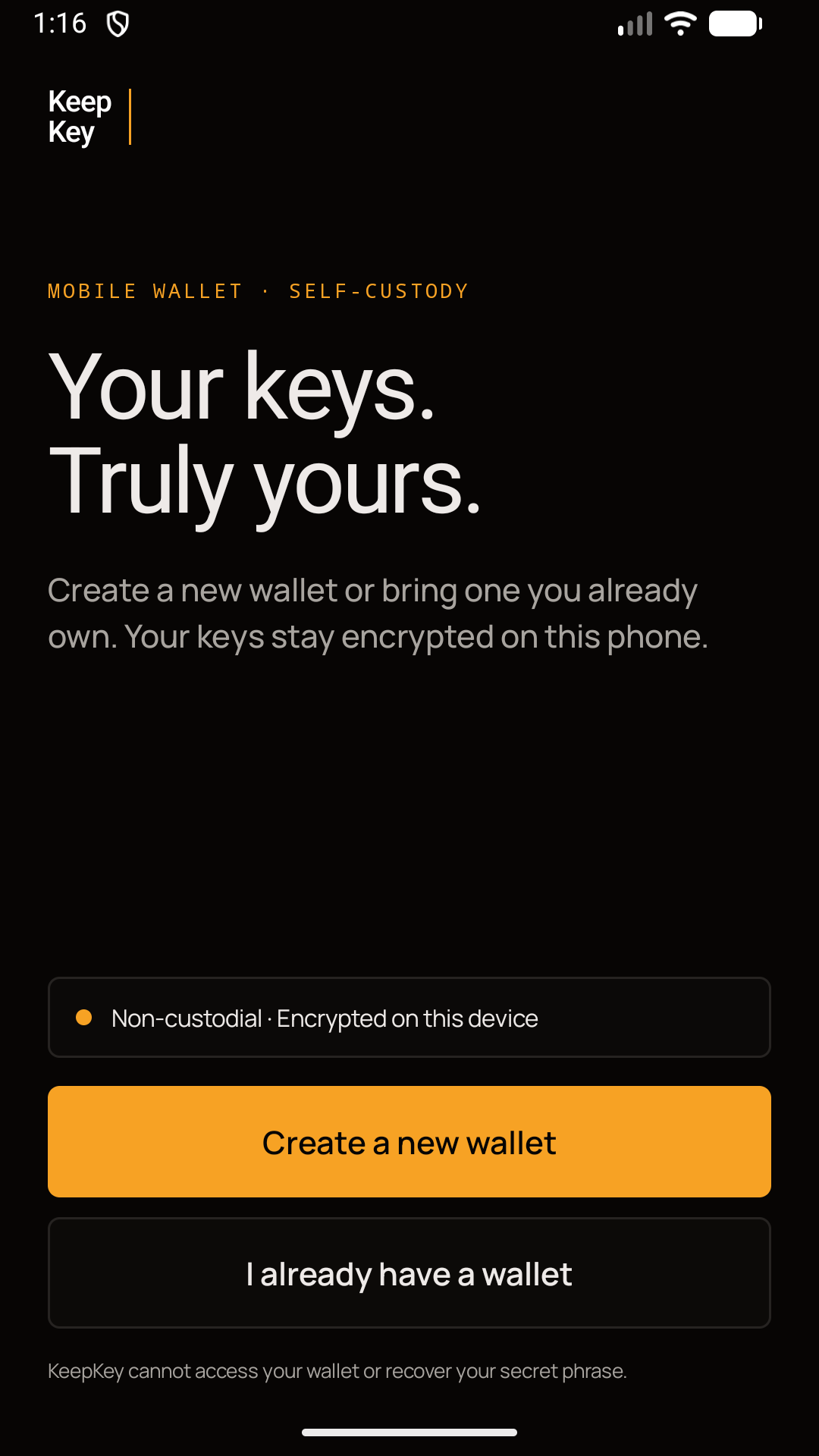
Create a new wallet or bring one you already own. Your wallet credentials stay encrypted on your Android phone—and every transaction stays under your control.
Wallet credentials are stored using Android security and are unlocked locally. KeepKey cannot retrieve them for you.
02 · USER APPROVAL
You approve transactions and signatures
Review addresses, amounts, network fees and dApp requests before signing. Routine network requests may occur automatically, as explained in the privacy policy.
03 · NETWORK REALITY
Online features use external infrastructure
Public addresses, transaction data and technical information can be processed by blockchain nodes, RPCs and services you choose to use.
IN THE APP
Clean. Focused. Yours.
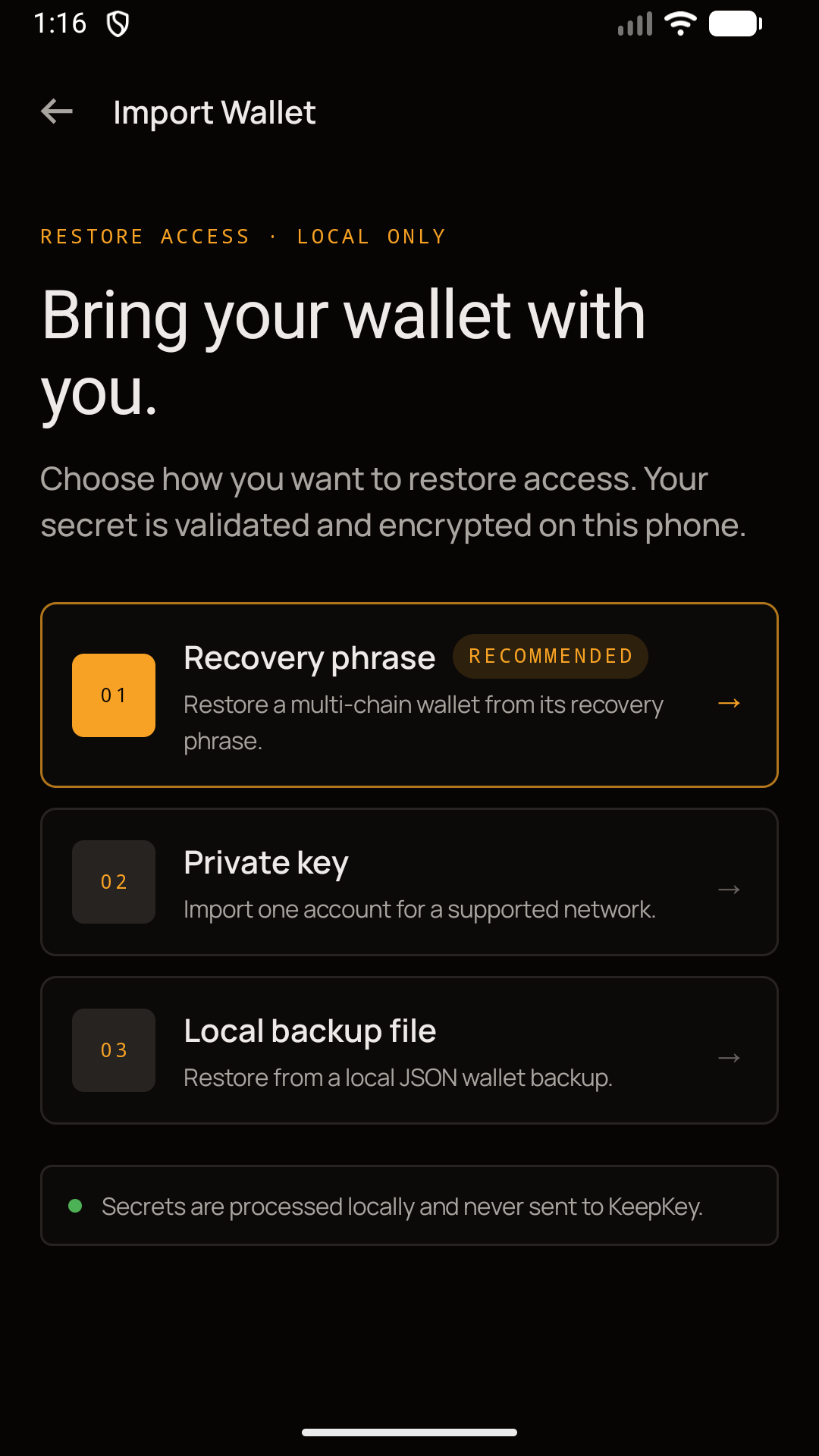
01Import an existing wallet
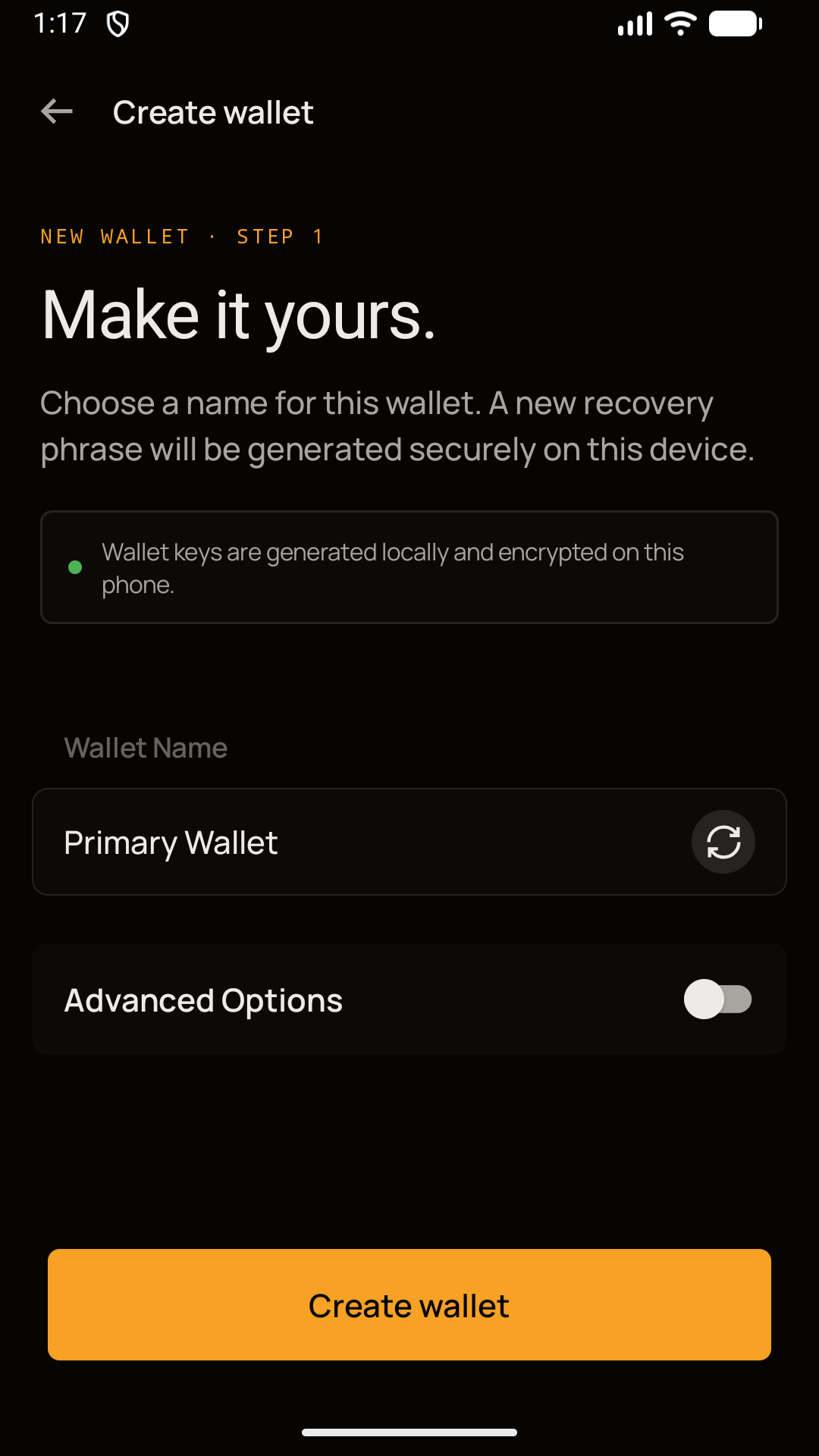
02Create a new wallet
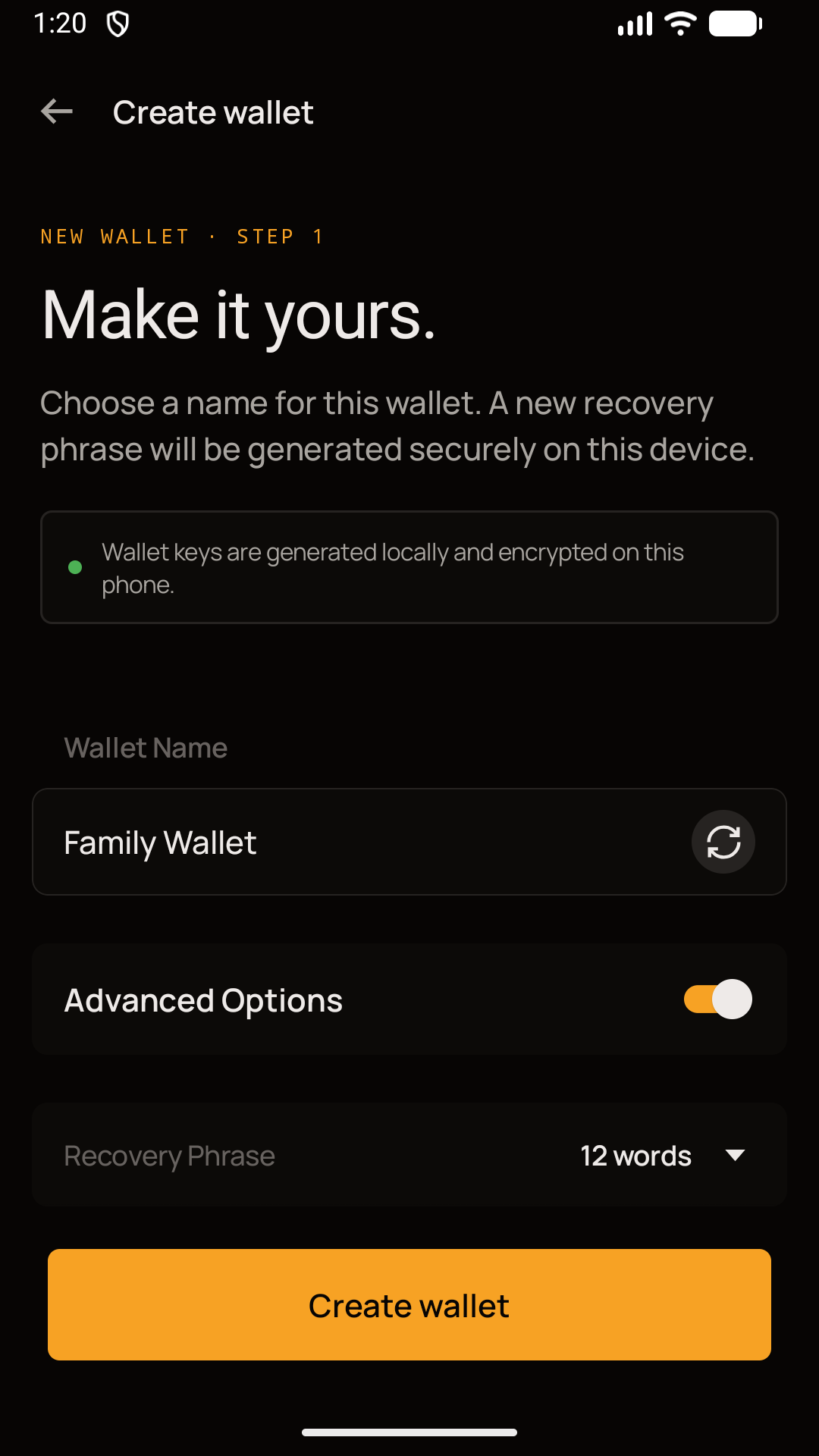
03Choose advanced options
OPEN-SOURCE FOUNDATIONS
Trust should be inspectable.
KeepKey Wallet incorporates open-source wallet technology and third-party libraries. We publish the upstream attribution and licence information that applies to this build.
The honest answers about self-custody, recovery and what this Android release actually does.
01
Is this the KeepKey hardware companion app?
No. KeepKey Wallet is a standalone Android software wallet. This release does not connect to a KeepKey hardware device.
02
Can KeepKey recover my wallet?
No. KeepKey does not have your recovery phrase or private keys. If you lose every valid backup, KeepKey cannot restore access.
03
Does using the wallet send data off my phone?
Yes, when an online feature needs it. Blockchain nodes, RPC services, WalletConnect, dApps, market providers and swap providers can receive public addresses, transaction details and network data such as your IP address. Your raw recovery phrase and private keys are not intentionally sent to them.
04
Does the app include advertising or mandatory analytics?
The current Android release has no advertising SDK. Optional KeepKey usage analytics are off by default and can be controlled in Privacy settings.
05
When is KeepKey Wallet coming to iPhone?
KeepKey Wallet for iOS is in development. The existing KeepKey Mobile hardware companion is a different product.
KEEPKEY WALLET
Self-custody in your pocket.
Free on Android. KeepKey Wallet for iOS is coming soon.